Proxy Harvester
The Proxy Harvester
- Comes as a bonus with Scrapebox
- Can handle multiple connections at once
- Lets you filter proxies by country
- Filter by port – eg 8080
- Filter by speed – the faster the better
- Add your own proxy sources
- Classify sources so you know where they came from
- Test your proxies against a custom URL
- Saves your progress automatically
- Works with Scrapebox’s Automator feature
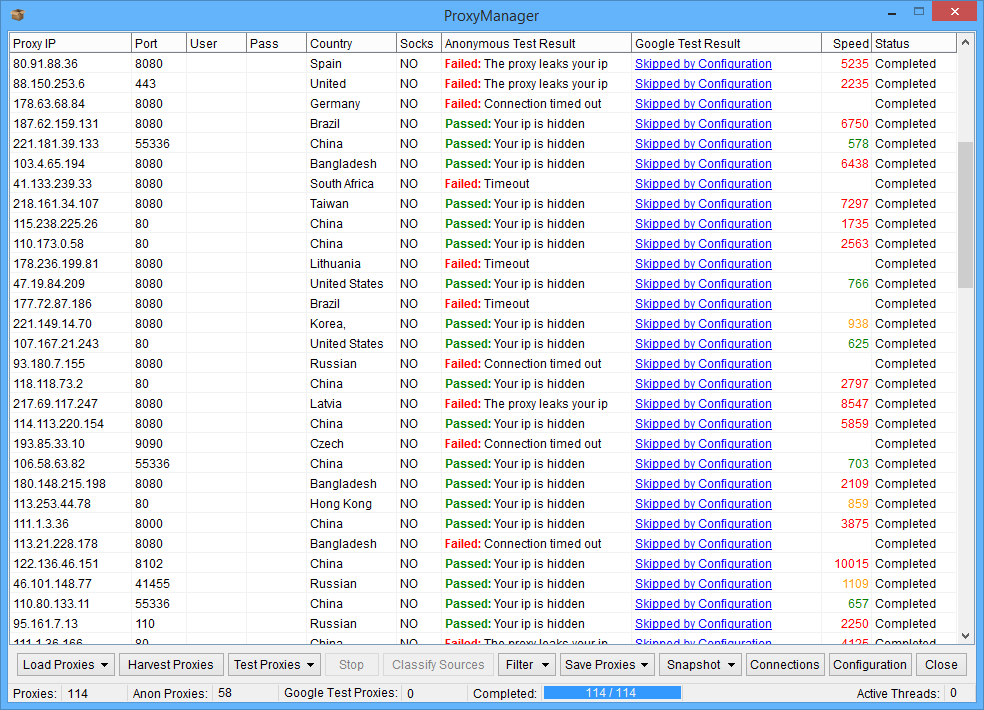
If you need to find and test proxies, then Scrapebox has got you covered. Like many other automation tools, it lets you use multiple proxies for jobs like harvesting URLs from search engines, or scraping emails.
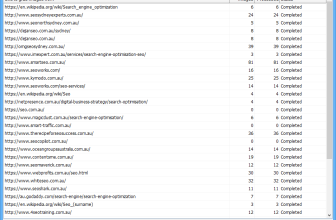
Rather than manually trawling the web for proxy lists and then copying them into another tool, Scrapebox’s Proxy Manager makes life a whole lot simpler. It’s got 22 proxy sources built in, and you can easily add your own favourite sites.
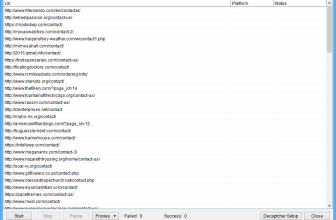
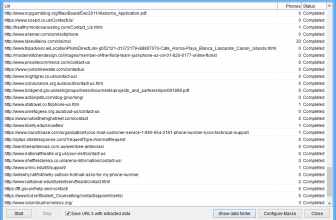
When you run the Proxy Harvester, it will automatically visit each website, extract all the proxies, and remove any duplicates. So with just a single click, you can pull in thousands of proxies from multiple websites.
The Proxy Tester does all sorts of cool things too. You can use it to test proxies on specific ports, or from specific countries. You can even mark proxies as socks, or test private proxies that require a username and password.
The Proxy Tester is also multi-threaded, so you can adjust how many simultaneous connections you want to use while testing. You can also change the timeout period, or test if proxies are working with Google by searching the site.
This way, you can filter out proxies that are not going to cut it when it comes to harvesting URLs from Google.
Or if you want, you can use the Custom Test option, where you can enter any URL you like (eg Craigslist), and even specify a bit of text on the webpage that you want the proxy to scrape successfully.
Once the proxy testing is all done, you can start re-running failed proxies, or checking any ones that didn’t get tested. You can even sort your list of working proxies by all sorts of options – IP address, port number, speed.
When you’re all done, you can clean up your proxy list by filtering out slow ones, or only keeping ones that worked with Google. You can save your final list to a text file, or use it straight away in Scrapebox.
And best of all, when you’re done – Scrapebox can even send you an email to let you know your proxies are ready to go.
Lots of Scrapebox users have even set up the tool as a dedicated proxy harvester, using our Automator Plugin. This means Scrapebox can run around the clock, harvesting and testing proxies at set times, and saving all the good ones to a file so you know you’ve got a constant supply.
Harvest Proxies
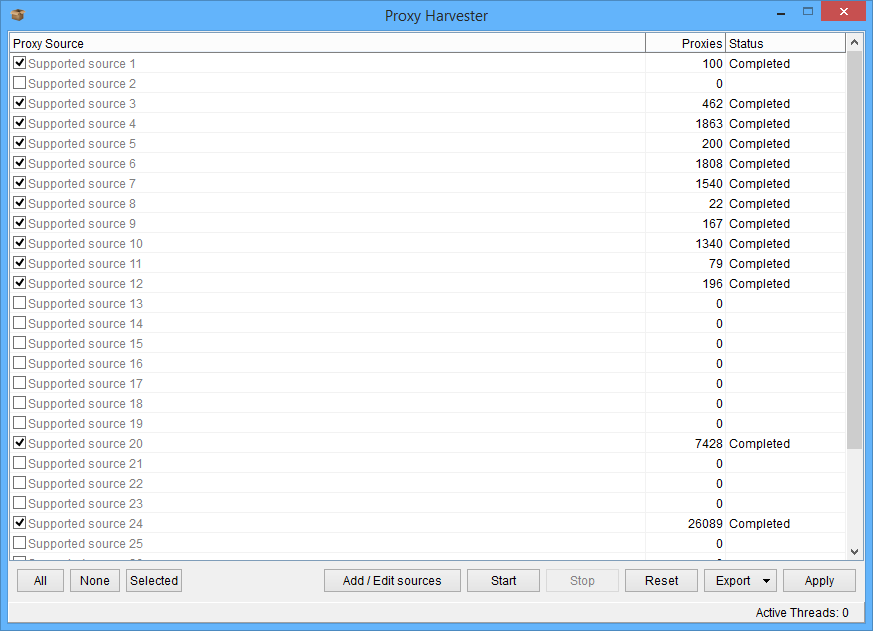
The Proxy Harvester comes loaded with a bunch of proxy sources that publish daily lists, and you can just add your own sites if you want.
So whenever you need to find working proxies, you can just scan either the built-in sources, or your own list of sources, to find the ones that work and extract them from the internet.
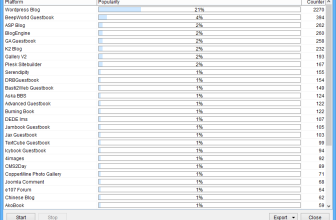
As well as that, you can set up your proxy sources so that Scrapebox can remember where each proxy came from, and even display metrics on how well each source is performing. So if you’re not sure which sources are doing the best job, Scrapebox can tell you.
This is super useful when you’ve got a huge list of proxy sources and you’re not sure what ones are actually working.
Training Your Proxy Scanner

The Trainable Proxy Scanner is a game-changer
With this tool, you can configure exactly where you want Scrapebox to look for proxies, and even extract links from pages, and then drill down to the pages that contain the proxies.
Why is this so cool?
You can add the index of a proxy forum or blog, and then Scrapebox will fetch all the forum posts or blog posts, and drill down to each one to extract all the proxies published on each.
This means you can extract hundreds of thousands of proxies from a single source.
And the best part is, you can even see exactly what URLs will be extracted, and what proxies will be extracted from those individual pages, so you can check and tweak your custom source settings to get the best results.
It’s so simple to set up and use that you can train your proxy scanner by yourself in no time.