Webpage Meta Scraper
Extracting Page Titles, Descriptions and Keywords
Webpage Meta Scraper Part of ScrapeBox
- comes as standard with our ScrapeBox tool
- allows for Multi-Threaded Connections to really speed things up
- you can also adjust the number of connections to find the sweet spot
- and we haven’t forgotten about Proxy Support either
- Automator Support so you can run it in the background
- Extract Webpage Titles, no problem
- Extract Webpage Descriptions, easy
- Find the Websites keywords and get to work
- Export to Excel (.xls) or a simple text file (.txt)
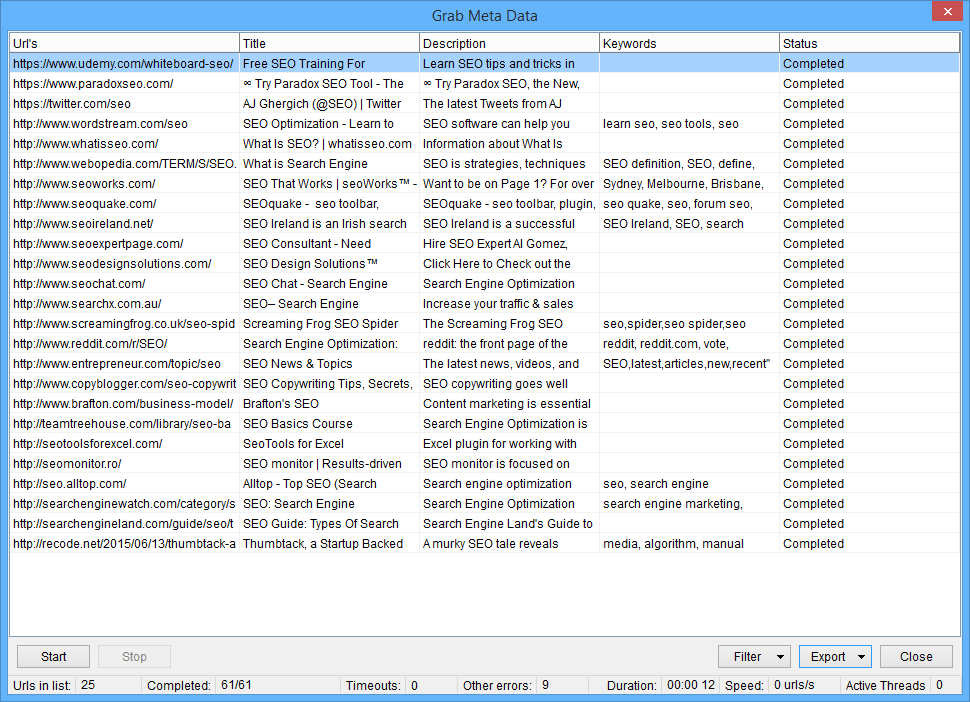
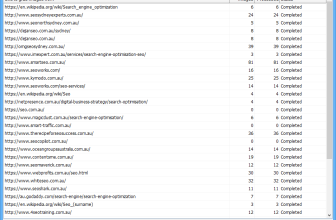
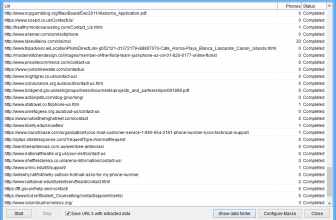
ScrapeBox has a Meta Grabber feature which lets you load up a list of urls and extract the page Titles, Descriptions & Keywords for each one in the list. This is a multi-threaded feature and can grab data from hundreds of pages in a minute – once it’s done you can filter out any urls with errors or the ones without any meta keywords. You can then export the data to wherever you want – maybe a .txt file, or a .csv or .xls file for use in Excel. And when you’re exporting you can choose to export any combination of url, title, description, keywords – or whatever else you need.
Using a meta harvester is super useful for competitor research or if you just want to check your own website’s Titles and Descriptions are optimal – especially if your CMS generates these automatically. The page Title and Description are really important because these are the bits that get shown in the search result pages, so if they’re rubbish you can kiss goodbye to click throughs. This feature can even help you identify spammy pages that have been “stuffed” with loads of Meta Keywords or ridiculously long meta descriptions. That used to be a common practice in SEO but these days it’s more likely to be harming your rankings.
The Meta harvester is also super useful for harvesting all the keywords on your competitor’s pages – then you can transfer them over to the ScrapeBox keyword scraper to get some more keyword suggestions from Google Suggest, Shopping.com, YouTube and more for further analysis and promotion.
To use, simply harvest URL’s for your chosen keywords or load URL’s from a file, then hit the “Grab” button on the harvester and select “Grab meta info from harvested URL list”