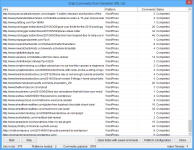
Comment Scraper
Scraping Comments from Blogs
Comment Scraper – Included Free with ScrapeBox
- comes bundled Free with ScrapeBox
- can make multiple connections at once
- easy to train to get the comments you need
- Comment Blacklist lets you block unwanted comments
- Comment Whitelist lets you only get comments you want
- can strip the html from comments
- a minimum word filter to weed out spam
- works with proxies
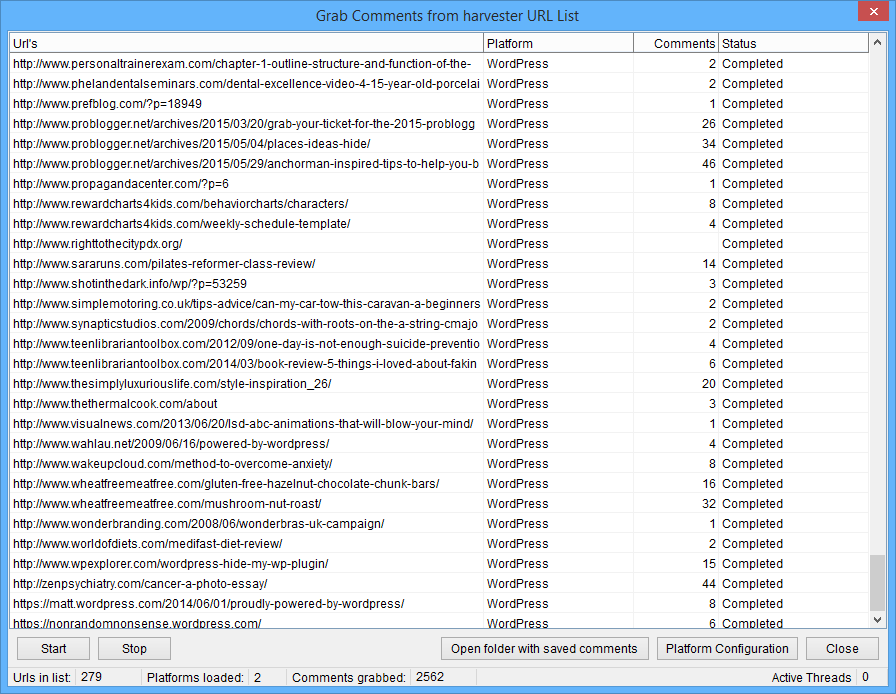
Need to extract all the comments from a blog post? ScrapeBox has got this covered with a fast comment scraper that lets you load a list of wordpress urls and extract all the comments from each page in next to no time.
It’s also got a bunch of options – like skipping comments that contain urls or links, or ignoring comments that don’t have enough words. You can also set it to ignore comments that contain words on your blacklist, which you can edit to your hearts content to avoid getting comments that are not suitable.
All the comments get saved to a text file, and you can use them in loads of different ways. You could use the Search Engine Scraper to harvest wordpress blogs for keywords like your business name, brand or website – or even keywords from your niche – and get all the comments in one file in seconds. No more trawling through hundreds or even thousands of pages in your browser.
And the best part is, you can use all these comments to add some fresh views to your own blog, or even post them to other blogs and save yourself the effort of writing out comments from scratch.
Bulk harvesting comments from a bunch of different sites in your niche is also a great way to see what people are saying, what problems they’re having and what they want. This is super useful for product research.
One new feature of ScrapeBox v2.0 is a completely trainable comment scraper, so you’re no longer stuck working with wordpress only. You can now train the engine to scrape comments from sites like joomla, drupal or blogger. And not only comments, you can train it to scrape articles, forum posts, usernames or even images.
Fully Trainable Comment Scraper

Trainable lets you customise exactly what information you’d like to scrape from a webpage. All you have to do is tell it what text or html appears before and after the comment in the source code – and it will grab all the text in between.
This means you’re not limited to just scraping comments – you can scrape forum posts, full articles from blogs, usernames from social platforms. You can even add bad words to the blacklist, set minimum and maximum comment sizes, strip the html from the extracted data and control how new lines are handled.
The possibilities really are endless.
Tons of Other Built-In Features
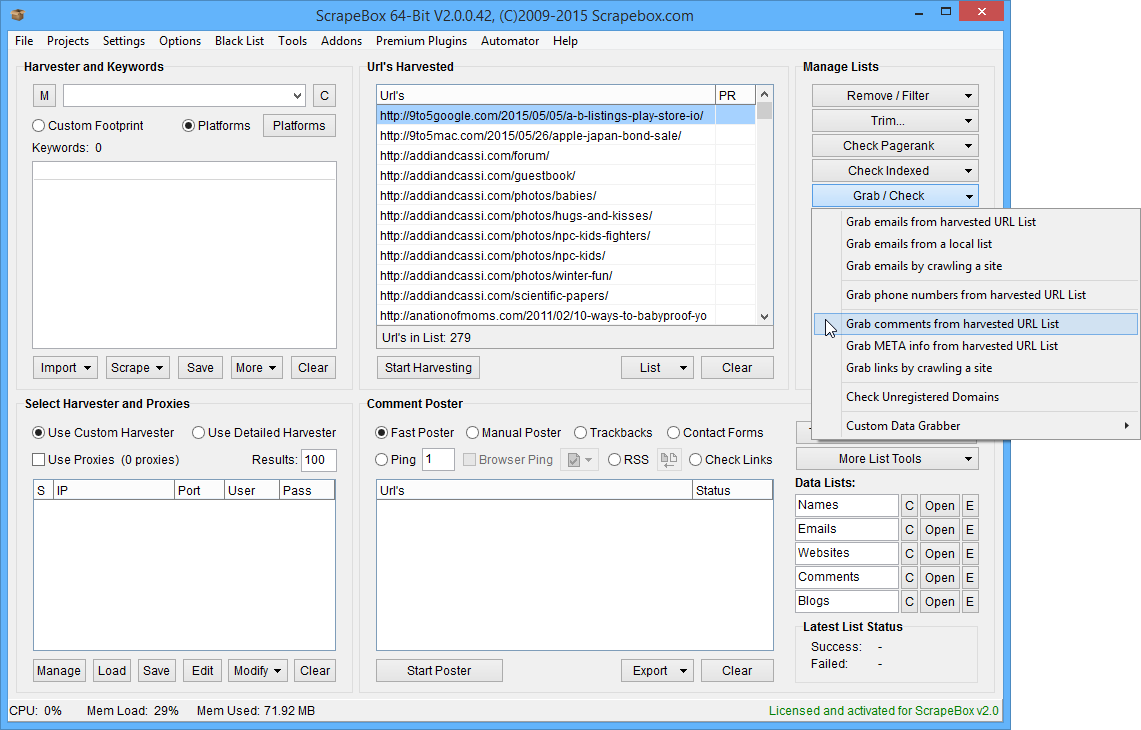
Built-in to the ScrapeBox Harvesters “Manage Lists” section is the comment scraper, making it super simple to use and access.
You can use it on URL lists that you’ve harvested from search engines, or got from other sites – or even just load them straight in to ScrapeBox.
And the best bit? It comes included with ScrapeBox, along with loads of other powerful features like the Email Scraper, Phone Number Scraper, Meta Info Scraper, Site Crawler, Unregistered Domain Checker and the new Custom Data Grabber.
Best of all, all these features are included when you buy ScrapeBox.