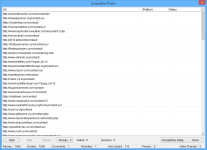
Contact Form Submitter
Posting to Contact Forms with ScrapeBox
Contact Form Submitter – a Key Feature of ScrapeBox
- Comes as part of our ScrapeBox bundle
- Sends posts using multiple threads to speed up your contacts
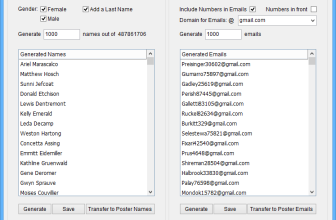
- Generates random names to make your posts look authentic
- Uses spintax to create unique messages – great for diversity and to avoid looking like spam
- Supports captchas to ensure you can post to forms that have security checks
- Allows you to use proxies for anonymity
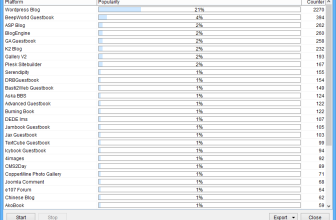
- Can learn and fill in non-standard form fields
Do you struggle to get a good response from your email marketing campaigns? Are you fed up with low open rates?
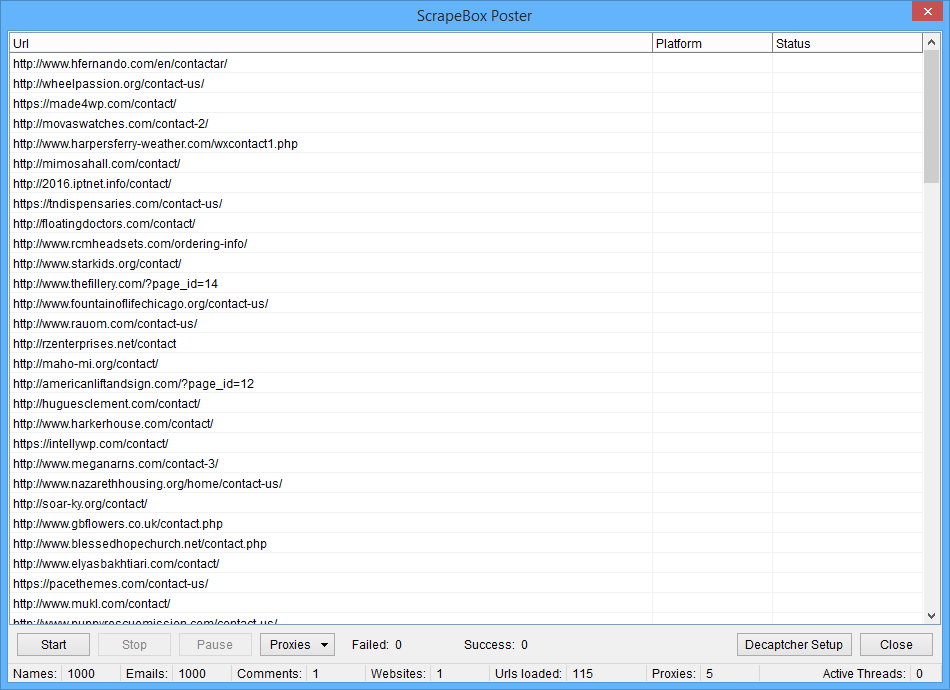
We have a contact form poster built right into ScrapeBox, which works in conjunction with our Search Engine Scraper to help you get a much better response from the sites you target. We’ve seen users have huge success with this feature – in fact, many have said it’s paid for the whole program on the first day of use.
Using our contact form poster is a great way to get new sales and leads. Just imagine being able to send hundreds or even thousands of messages per minute – that’s what we offer.
For the More Experienced User
If you’re more technical, you’ll love that you can teach the poster new platforms and form fields. That means you can use it on just about any form, no matter how tricky the setup is.
Want to post a message that needs to fill in a weird form field like “What’s your age”? No problem – with our system, you can do that.
Captcha Support – Easy as
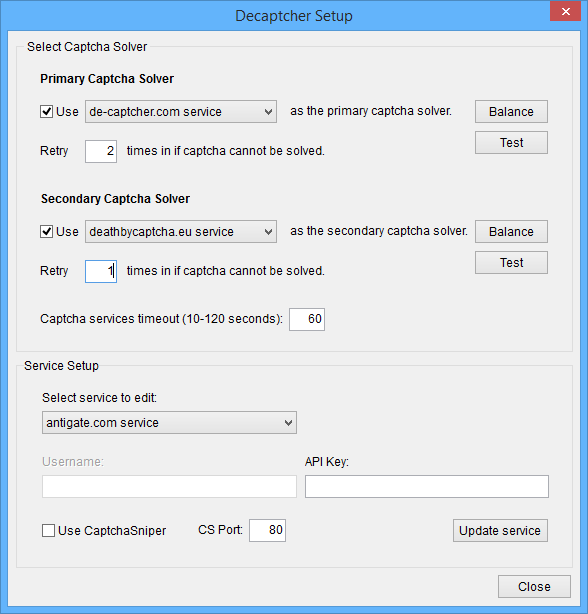
As well as our contact form poster, we’ve also included captcha solving to get around any security checks. We’ve got integration with a number of third party services, including DeCaptcha, DeathbyCaptcha and CaptchaSniper to name just a few.
We also have a built-in calculator that can handle all sorts of math puzzles – things like “six plus two minus one equals”. You can use words or symbols to calculate the answer, or even German words like “eins” and “zehn”.
Testing Messages Before You Send
Before you send any messages, you can test them to see what they’ll look like to the recipient. That way you can be sure that, even if you’re using multiple names, subjects and messages with spintax, they’ll all be readable.
Any spintax keywords will be highlighted in red, and clicking ‘Spin’ will show you different variations of your message. Clicking next will scroll through all your individual messages.