Fast Blog Poster
The ScrapeBox Learning Poster v2
Post all over the web with hundreds of options
The Learning Poster
Free to use with ScrapeBox
Multi-threaded connections so its blazing fast
Post to over 30 different platforms
Can be trained to post to pretty much any site you like
Supports Captcha and Proxies
Helps you build backlinks
Can handle complex multi-step forms
Includes advanced token features
And has Automator support
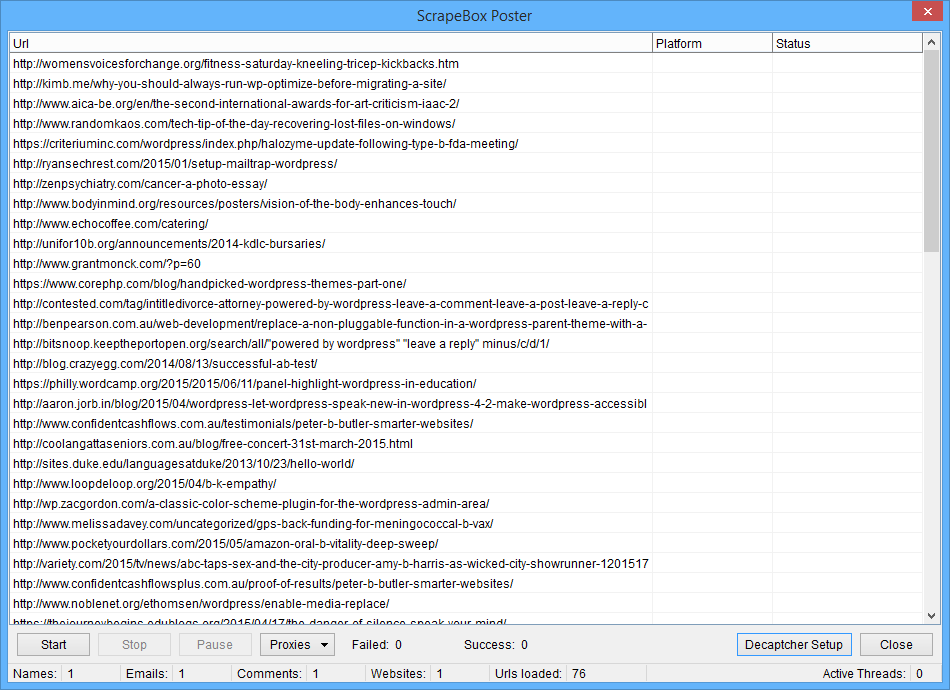
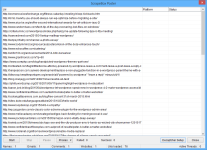
The ScrapeBox v2 Learning Poster is basically a brand new super flexible poster that comes free with the latest version of ScrapeBox.
Its a totally flexible piece of kit that can be trained to post to loads of different platforms including blogs, guest books, contact forms, image comments, trackbacks and even some forums and bbs sites.
The thing is, its really fast, uses multiple threads and can handle sites with image or text Captcha, and its also pretty clever at ignoring sites with bad words or only posting on sites that contain specific keywords.
If you like flexibility and power, then you can actually train your own platforms or give an existing platform a boost by modifying the platform definition files which are pretty easy to use even if you only have a basic text editor.
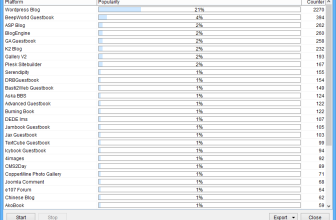
But dont worry if you dont want to do that – it comes pre-cofigured to post to the following platforms
- 4image
- Advanced Guestbook
- AkoBook
- Ard Guestbook Aska BBS
- ASP Blog
- Basti Guestbook
- BeepWorld
- Bella Guestbook
- Blogengine
- Burning Book
- Chinese Blog
- cms2day
- CoderWorld
- Coppermine
- DedeIms
- DRB Guestbook
- e107 Forum
- EasyBook Reloaded
- GA Guestbook
- Gallery2 Image
- Icybook Guestbook* Jambook Guestbook
- Jax Guestbook (looks like a new one, anybody tried it yet?)
- Joomla Comment
- K2 Blog
- Pixelpost
- Plogger
- Serendipity Blog
- Sitebuilder Guestbook
- TextCube Guestbook
- WordPress
- WPTrackback
New Footprints
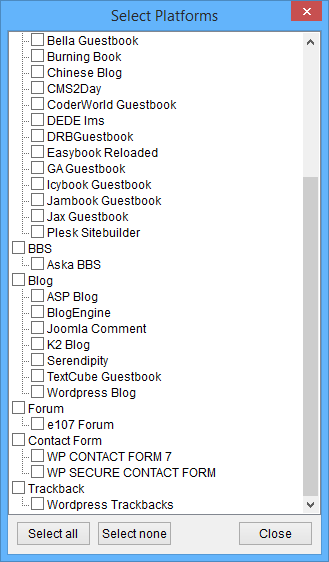
Now that ScrapeBox v1.16.0 is out with the new Learning Poster v2, you’ve got a whole lot more options for commenting platforms available from the harvester.
With the latest update you can now choose to scrape multiple platforms at the same time, and every time new platforms land, you can grab ’em from the harvester straight away – no messing around.
And the beauty of it all is that all the platform files are fully editable, so you can tweak the default footprints to your heart’s content, or even come up with your own custom ones for each platform. This is super handy when there are loads of different footprint variations out there, or if you’re working in multiple languages.
This all ties in with the comment poster, so any platform you can scrape here, you can use the poster to leave comments on.
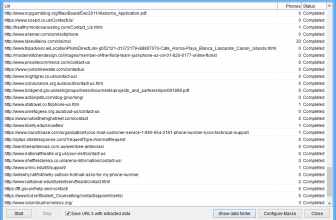
Decaptcher Setup
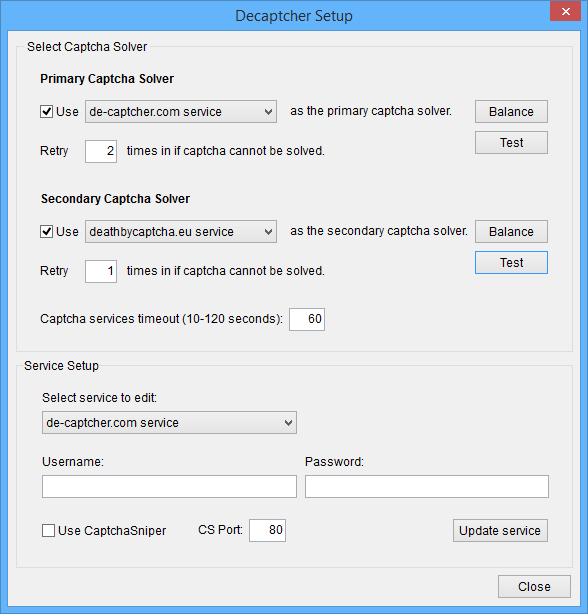
The Learning Poster now lets you use a bunch of different captcha services like OCR software – Captcha Sniper, for example – or online services like De-Captcher.com, Death By Captcha, and Image Typerz.
You can set up a primary and backup service, with adjustable retries, so if, say, you try Captcha Sniper first with 3 attempts to solve the captcha for free, and that doesn’t work, it gets sent to a human-solving service.
This way, you can get as many captchas solved as possible, without breaking the bank.
The poster also comes with a built-in math question solver, which can handle all sorts of anti-spam questions like “10 + 6 – 2 =”, and can even deal with variations like “ten plus six minus two equals”. It’s got a load of different symbols and operators, and can even handle German maths questions using the right words.
And don’t forget the poster has the power to block or allow posting on certain sites, using Blacklists and Whitelists. With the Blacklist, you can add words or phrases you want to avoid, and the poster will skip any page that contains them. Same story with the Whitelist – you add keywords related to your niche or domain, and the poster will only make comments on pages with those words.
To get the new poster up and running, make sure you’ve updated to ScrapeBox v1.16.0, then grab the Learning Mode Poster V2 addon from the Addons menu. Once that’s done, you can get your hands on the new platforms via the “Platforms” button on the harvester. To start posting on the new platforms, just fire up the Fast Poster in ScrapeBox business as usual, and the new poster will take over.